Nyan Cat Wallpapers For A Pop-Tart Powered Desktop
A rainbow-farting cat with a Pop-Tart torso has outlasted entire social platforms, three console generations, and at least two decades of “internet is dying” predictions. Fifteen years after it first looped on YouTube, Nyan Cat still shows up in fresh wallpaper catalogs, GIF remasters, and even localized international wallpaper hubs. That staying power is exactly why this roundup of 6 Nyan Cat Wallpapers For A Pop-Tart Powered Desktop exists: to cut through hundreds of scattered image dumps and point to the versions actually worth downloading in 2026.
Disclosure: This post contains affiliate links. As an Amazon Associate, we earn from qualifying purchases, and at no extra cost to you.
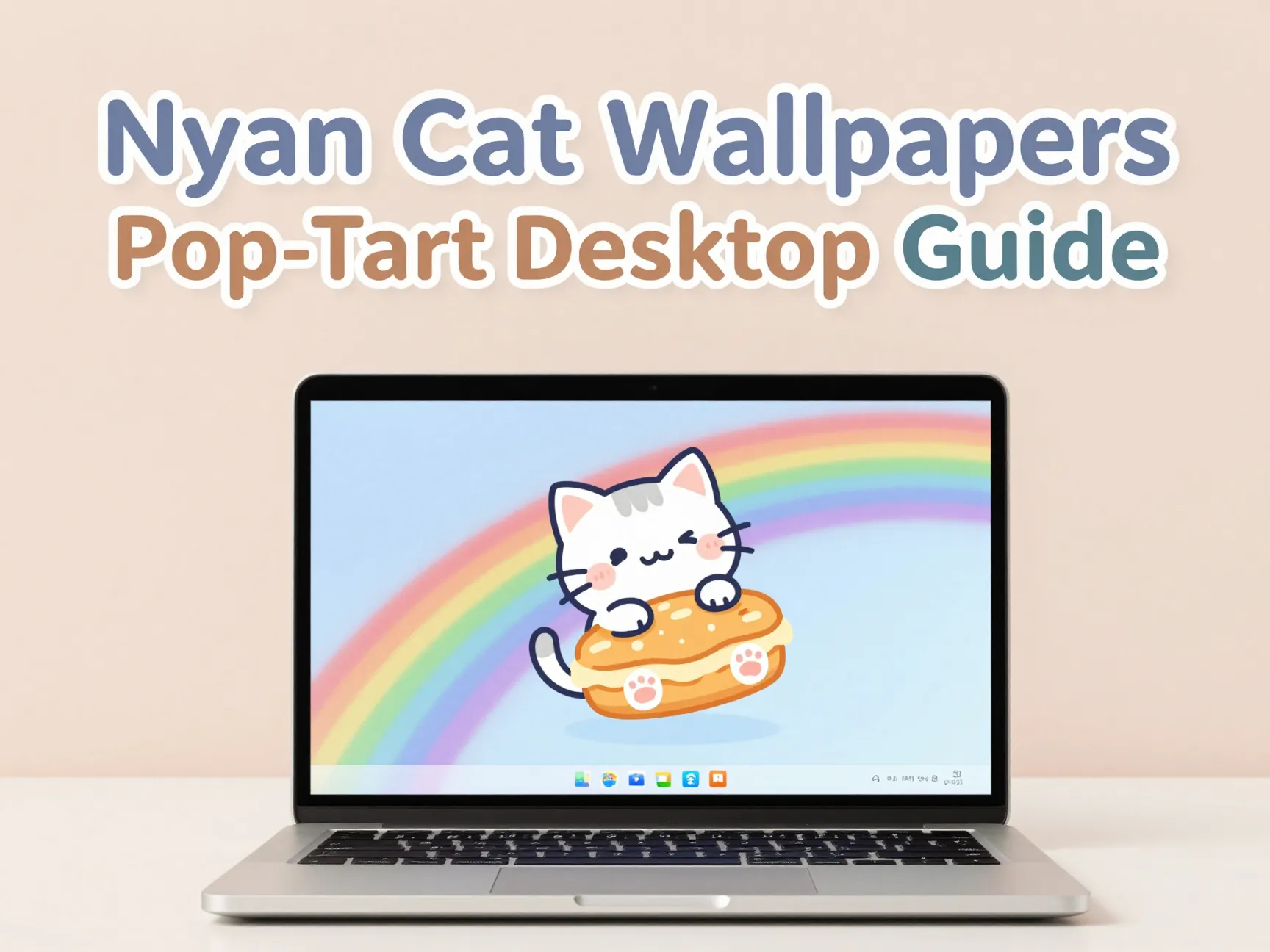
This is not a list of random screenshots pulled from a search bar. It draws on active wallpaper catalogs, including a collection tracking 267 high-resolution Nyan Cat images, dedicated single- and triple-monitor packs, and a 2026 guide on animating cat GIFs for modern gaming rigs. The goal is simple: give a desktop some pastel chaos without sacrificing image quality or screen compatibility.
Key Takeaways
- The strongest Nyan Cat Pop-Tart wallpapers now reach resolutions up to 3648×5472, far beyond the blocky originals from 2011.
- Windows 11 does not natively animate GIF wallpapers, so tools like Lively Wallpaper or Wallpaper Engine are required for a truly animated Pop-Tart cat desktop.
- Multi-monitor users have dedicated Nyan Cat formats, including triple-screen stretches from catalogs like WallpaperFusion.
- AI upscaling tools can clean up old, low-resolution Nyan Cat GIFs into sharper, near-4K animations.
- Fan-made wallpapers from sites like DeviantArt and Reddit remain surprisingly well-preserved and still downloadable years after their original posting dates.
The Best 6 Nyan Cat Wallpapers For A Pop-Tart Powered Desktop
Picking the right image from thousands of near-identical rainbow cats is harder than it sounds. The six entries below were chosen for a mix of resolution quality, monitor compatibility, and staying true to the original Pop-Tart-bodied design that made the meme famous in the first place. Each one fits a different kind of setup, whether that is a single laptop screen or a three-monitor gaming battlestation.
1. Classic Space Edition Nyan Cat01
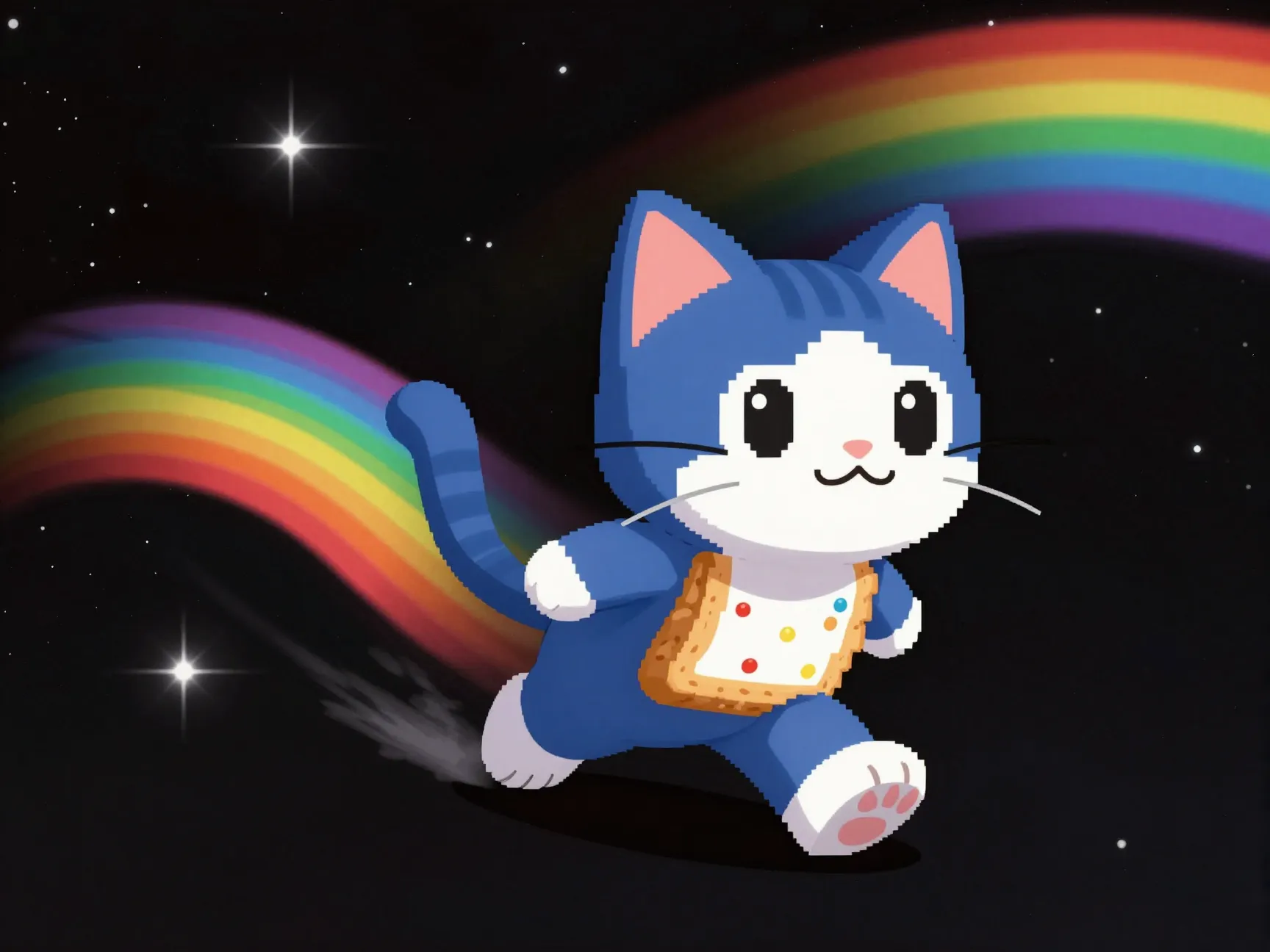
This is the wallpaper most people picture when they hear “Nyan Cat.” The cat’s Pop-Tart body streaks across a black, pixelated starfield, trailing a thick rainbow behind it. It is the closest visual match to the original 2011 animation, just rendered in a sharper, cleaner format. This version is commonly bundled inside larger Nyan Cat Backgrounds catalogs that now list 267 separate images sorted by popularity, with some files scaling up to 3648×5472 pixels. That resolution is more than enough for a 4K monitor without any visible blur or pixel stretching, which was a real problem with the earliest fan-made copies.
The Space Edition works particularly well as a full-screen static wallpaper because the black background hides taskbar icons cleanly and does not compete visually with desktop shortcuts. It is a safe, nostalgic starting point for anyone building a Pop-Tart powered desktop from scratch.
2. Full HD 1920×1080 Rainbow Trail Background02
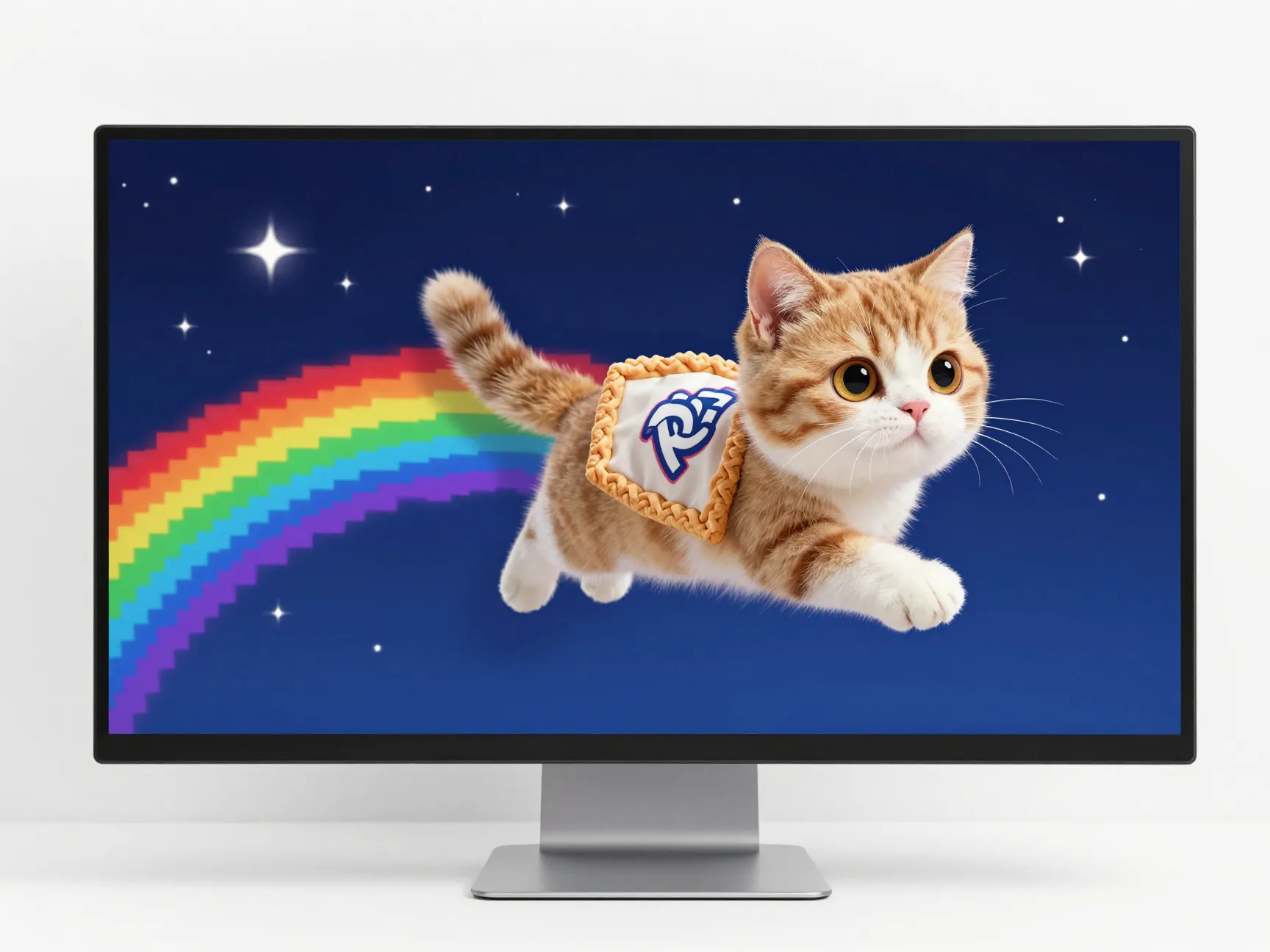
For anyone running a standard widescreen monitor, a dedicated 1920×1080 background depicting an adorable Nyan Cat with a Pop-Tart body leaving a rainbow trail across a pixelated starry sky is one of the most frequently updated single-resolution downloads available. This file was last refreshed on December 31, 2025, suggesting active maintenance rather than an abandoned upload from a decade ago.
What makes this option stand out is its exact fit for the most common monitor resolution still in use today. There is no cropping guesswork, no stretched pixels, and no awkward letterboxing. It loads cleanly as a static desktop background and pairs well with a colorful taskbar theme.
3. HD GIF Remaster With Neon Glow Effects03
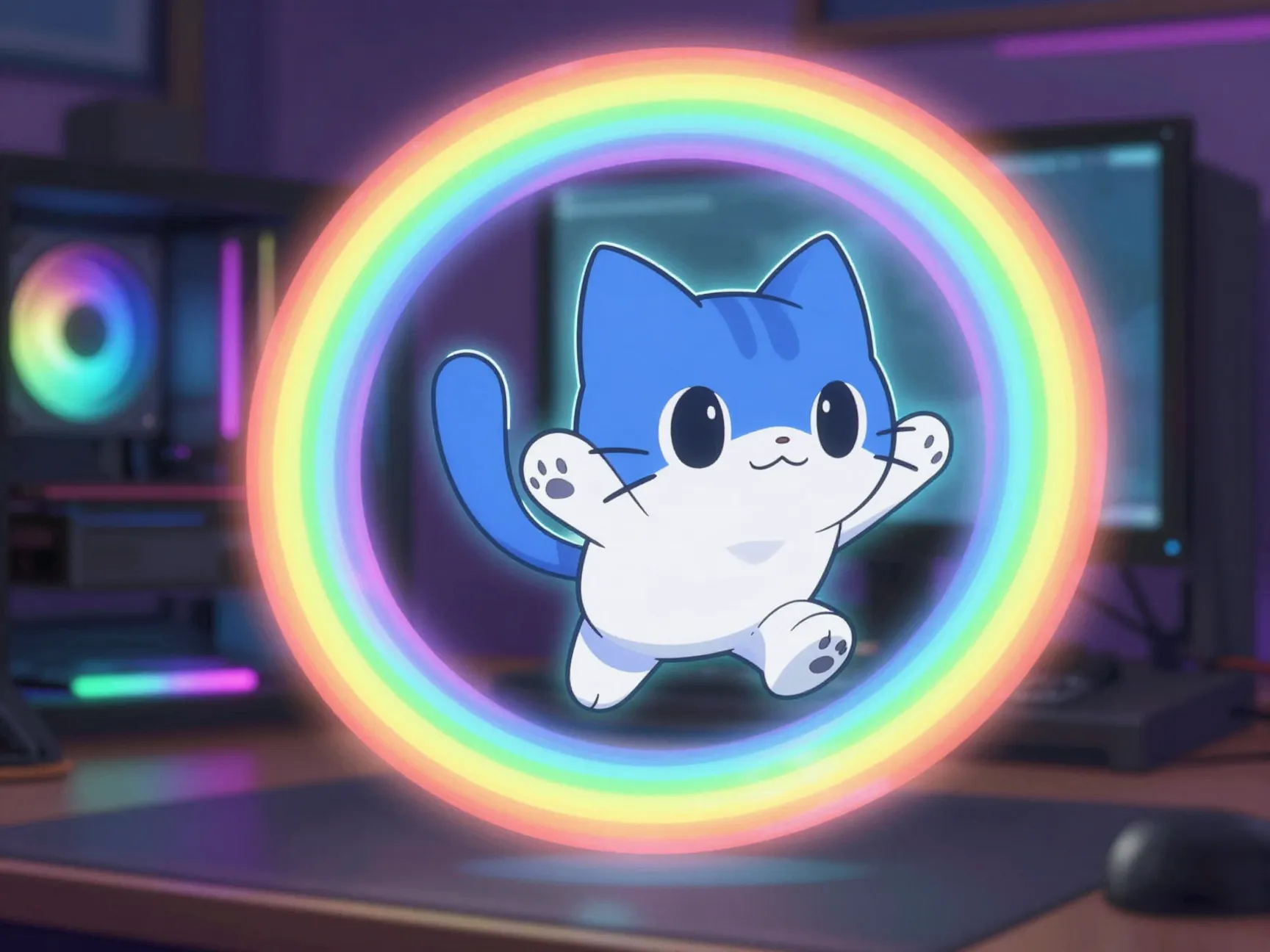
A 2026 guide to cat GIF wallpapers singled out Nyan Cat as a “classic that never dies,” specifically praising remastered HD versions with glowing neon effects. These remasters take the original choppy animation and smooth it into a sharper, brighter loop that suits RGB-lit gaming setups particularly well. Instead of a flat rainbow, the trail appears to glow with a soft neon halo, which blends naturally with keyboard lighting and case fans already flashing through the color spectrum.
This is the version built specifically for people who want their desktop background to match their hardware lighting rather than clash with it. It is best paired with an RGB peripheral setup since the visual style was clearly designed with that audience in mind.
4. Triple-Monitor Stretch Format04
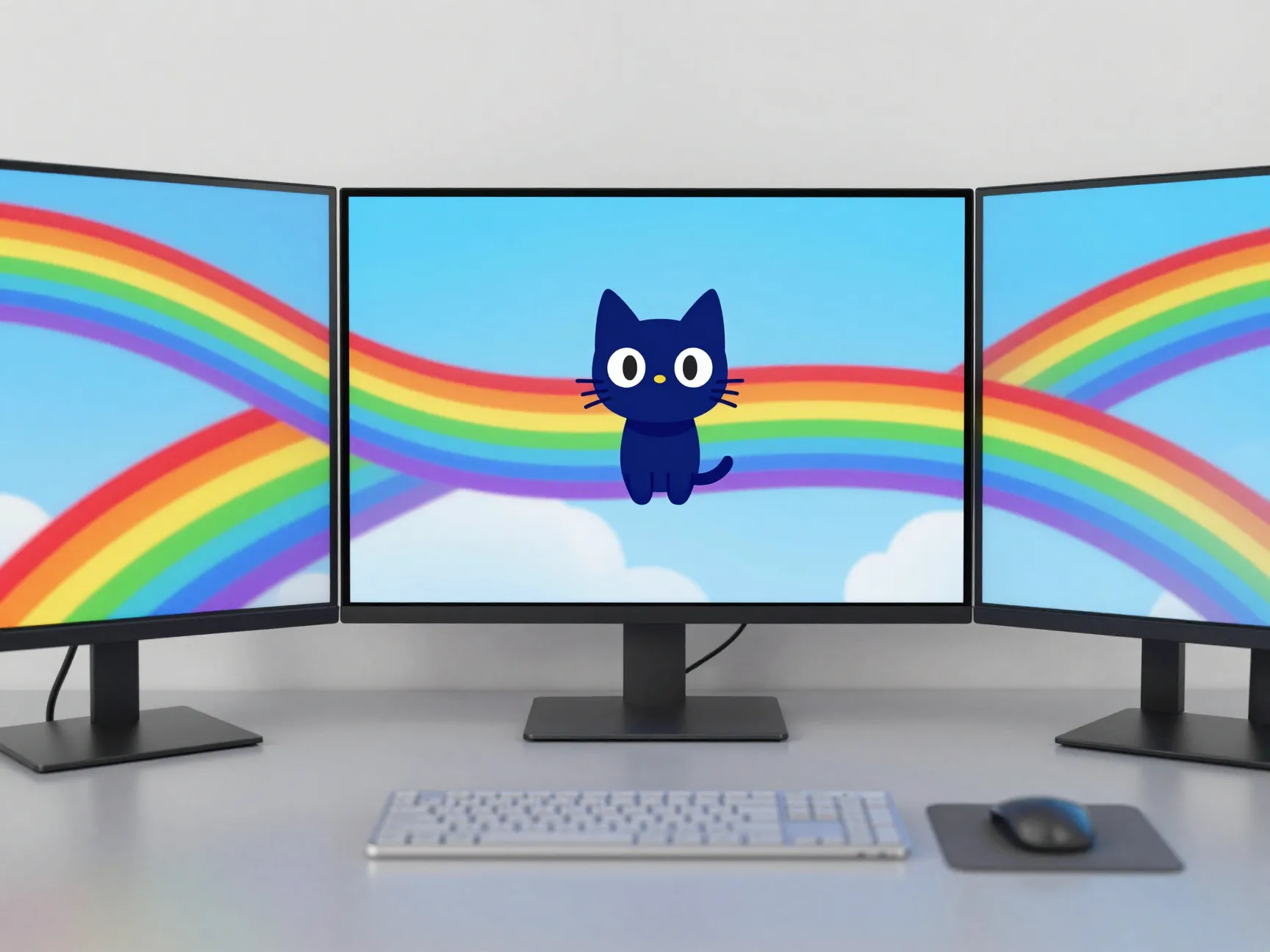
Multi-monitor users have a real problem most wallpaper sites ignore: a single image designed for one screen looks distorted and awkward when stretched across three. WallpaperFusion addresses this directly, hosting Nyan Cat images specifically formatted for both single-monitor and triple-monitor setups, with the multi-screen version showing a last-updated date of December 20, 2025.
In this format, the rainbow trail is positioned to flow continuously across all three screens, with the cat itself centered on the middle display. That layout choice matters. Without it, the cat’s body or the rainbow trail can end up split awkwardly at a screen bezel, ruining the visual effect entirely. This wallpaper solves that specific pain point for anyone running a triple-monitor productivity or gaming rig.
5. Fan-Made Multi-Resolution Pack From DeviantArt05
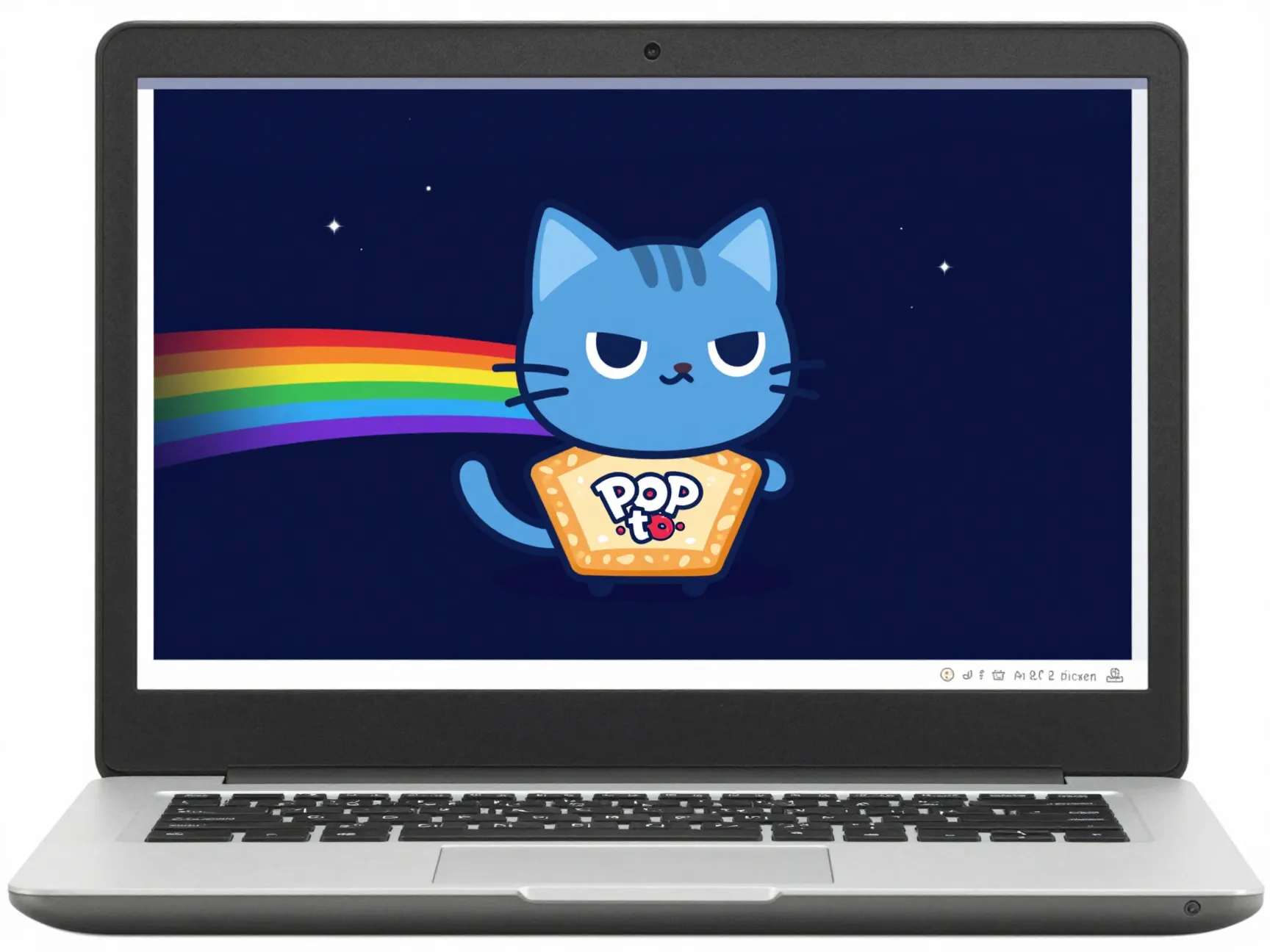
Community-made wallpapers are often dismissed as lower quality, but the “Nyan Cat Background” upload by artist HeadPikachu on DeviantArt has held up remarkably well. It offers four resolution options, 1366×768, 1280×720, 1024×600, and 800×600, covering everything from older laptops to smaller secondary monitors. Its last-updated timestamp of June 9, 2025 shows it is still being maintained or at least re-verified years after its original release.
This pack is particularly useful for anyone using an older device, a budget laptop, or a secondary screen where a massive 4K file would be unnecessary overkill. Smaller file sizes also mean faster loading and less strain on lower-powered hardware.
6. Reddit-Preserved 1080p Poptart Cat Wallpaper06
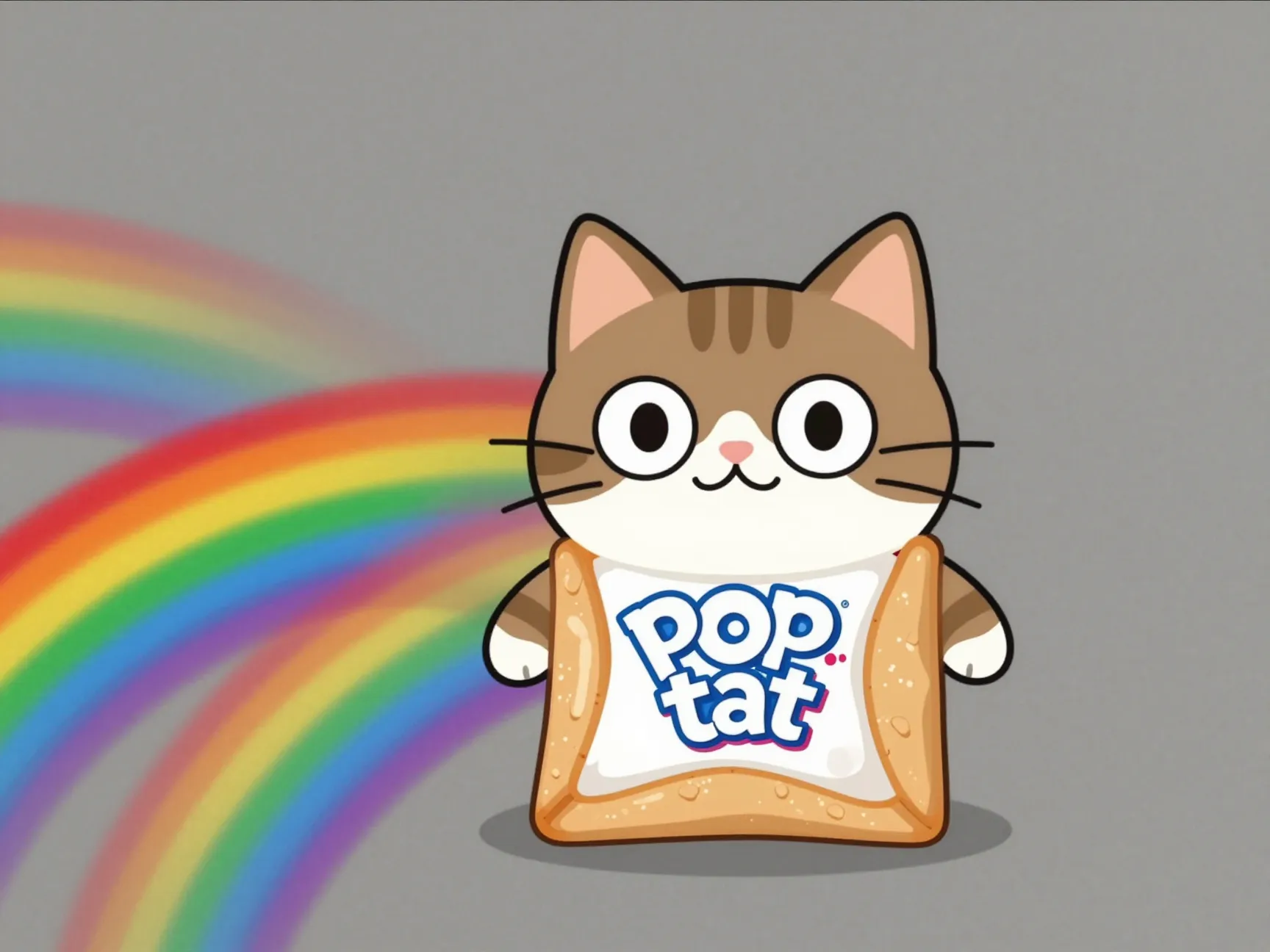
Reddit threads rarely stay online forever, but a specific 1080p Poptart Cat, essentially another name fans use for Nyan Cat, wallpaper post has survived and was last updated as recently as November 2025. Community-preserved wallpapers like this one matter because they represent the meme’s original grassroots spread, before official wallpaper catalogs and SEO-optimized collection sites took over the space.
Downloading directly from a preserved thread also gives a sense of the meme’s history, including the original captions, upvote context, and community reactions that accompanied the image when it was first shared. For anyone who wants a piece of internet history alongside the visual itself, this entry is worth tracking down.
“A meme cat with a Pop-Tart torso has quietly become one of the internet’s longest-running desktop customization trends.”
How To Set Up A Nyan Cat Wallpaper For A Pop-Tart Powered Desktop
Downloading the image is only half the job. Getting it to actually display correctly, especially the animated versions, requires a bit of technical setup that many guides skip entirely.
Static Wallpapers Need No Special Tools
If choosing one of the static image formats, such as the Space Edition or the 1920×1080 rainbow trail background, setup is simple. Right-click the downloaded file, select “Set as desktop background,” and confirm the resolution matches the monitor. That is the entire process for a static wallpaper.
Animated GIFs Require Third-Party Software
This is where things get more involved. Windows 11 does not natively support GIF files as animated desktop wallpapers. Attempting to set a GIF directly through the standard background menu will simply display a frozen frame, not the looping animation. A 2026 guide covering cat GIF wallpapers recommends two specific tools to work around this limitation.
The following table breaks down the two most commonly recommended options:
| Tool | Cost Model | Best For |
|---|---|---|
| Lively Wallpaper | Free, open-source | Budget setups, casual users |
| Wallpaper Engine | Paid, one-time purchase | Advanced effects, gaming rigs |
Lively Wallpaper is the simpler choice for most people since it costs nothing and handles GIF looping without much configuration. Wallpaper Engine offers more advanced options, including reactive lighting effects and audio-responsive animations, which pairs well with the neon-glow HD remaster mentioned earlier in this list.
Upscaling Older, Lower-Quality Files
Many Nyan Cat GIFs still circulating online date back to 2011 and were never designed for anything beyond a small embedded video player. The 2026 guide referenced earlier outlines a workflow using an AI-powered video enhancer, specifically importing a low-quality cat GIF and applying either an “Animation Model” or “General Denoise” AI setting to sharpen the image and reduce compression artifacts.
This step matters most for anyone determined to run an old, nostalgic file rather than a pre-made HD remaster. Running an outdated GIF through an upscaling tool before setting it as a wallpaper can noticeably reduce blockiness on larger, high-resolution monitors.
Choosing The Right Wallpaper For Your Screen Setup
Not every wallpaper on this list fits every device. Matching resolution and format to hardware avoids the two most common complaints with meme wallpapers: pixelation on large screens and awkward stretching across multiple monitors.
The table below simplifies the decision:
| Setup Type | Recommended Wallpaper | Notes |
|---|---|---|
| Single 1080p Monitor | Full HD Rainbow Trail Background | Exact resolution match, no stretching |
| 4K Monitor | Classic Space Edition | Scales up to 3648×5472 |
| RGB Gaming PC | HD GIF Neon Remaster | Matches RGB lighting tones |
| Triple Monitor Rig | WallpaperFusion Multi-Screen Format | Rainbow trail flows across all screens |
| Older Laptop | DeviantArt Multi-Resolution Pack | Smaller file sizes, faster load |
This kind of matching matters more than most people expect. A wallpaper that looks crisp on a laptop screen can look noticeably soft or blurry when stretched across a 27-inch or ultrawide monitor. Checking native resolution before downloading saves a second trip back to the wallpaper catalog later.
International And Niche Wallpaper Sources
English-language wallpaper hubs are not the only active source for Pop-Tart powered Nyan Cat imagery. Localized collections, including a Spanish and Italian version of the same wallpaper library, were updated as recently as June 30, 2025. These pages describe the same core image set using translated terms, confirming that demand for this specific meme extends well beyond English-speaking audiences.
For anyone building a wallpaper rotation with a bit more variety, checking these international pages occasionally surfaces slightly different crops or color treatments of the same base images, since translation and re-hosting sometimes introduces small visual tweaks not present on the original English source.
PNG asset libraries are another overlooked source. Rather than full wallpaper collections, these sites host individual cutout images of the Nyan Cat character, useful for anyone wanting to build a custom wallpaper in image editing software rather than downloading a pre-made background. Combining a transparent PNG cutout with a personal background color or pattern is a simple way to make a Pop-Tart powered desktop feel more original rather than an exact copy of something already floating around the internet.
Frequently Asked Questions
Can Nyan Cat wallpapers be animated on Windows 11 without extra software?
No. Windows 11 only supports static image formats for the built-in desktop background setting. A GIF set through the default menu will display as a single frozen frame rather than looping. Third-party tools such as Lively Wallpaper are required for animation.
What is the highest resolution available for Nyan Cat wallpapers?
Some catalogs list files scaling up to 3648×5472 pixels, which comfortably covers even large 4K monitors without visible pixelation.
Is Lively Wallpaper safe and free to use?
Yes. Lively Wallpaper is open-source and free, making it the lower-risk option compared to unfamiliar paid software when experimenting with animated desktop backgrounds for the first time.
Why does the cat have a Pop-Tart body instead of a normal cat body?
The original meme combined a hand-drawn cat animation with a Pop-Tart pastry graphic, creating the hybrid design that became instantly recognizable and has remained unchanged in most official and fan-made wallpapers since 2011.
Are older, low-resolution Nyan Cat GIFs still worth using?
They can be, especially after running them through an AI upscaling tool. Applying an animation-focused enhancement model can noticeably reduce blur and blockiness before setting the file as a wallpaper.
Conclusion
The Nyan Cat Pop-Tart wallpaper trend has aged far better than most internet memes from its era, largely because the wallpaper ecosystem around it never stopped updating. Between resolution upgrades reaching 3648×5472, HD neon GIF remasters designed for RGB gaming setups, dedicated triple-monitor formats, and preserved fan uploads dating back over a decade, there is a version of this meme suited to nearly any desktop configuration in 2026.
The next step is straightforward. Match a resolution to the actual monitor in use, decide between a static image or an animated GIF, and if going animated, install a free tool like Lively Wallpaper before attempting the swap. For anyone working with an older, lower-quality file, running it through an AI video enhancer first will noticeably improve the final result. A Pop-Tart powered desktop does not require much effort to set up, just the right file for the right screen.